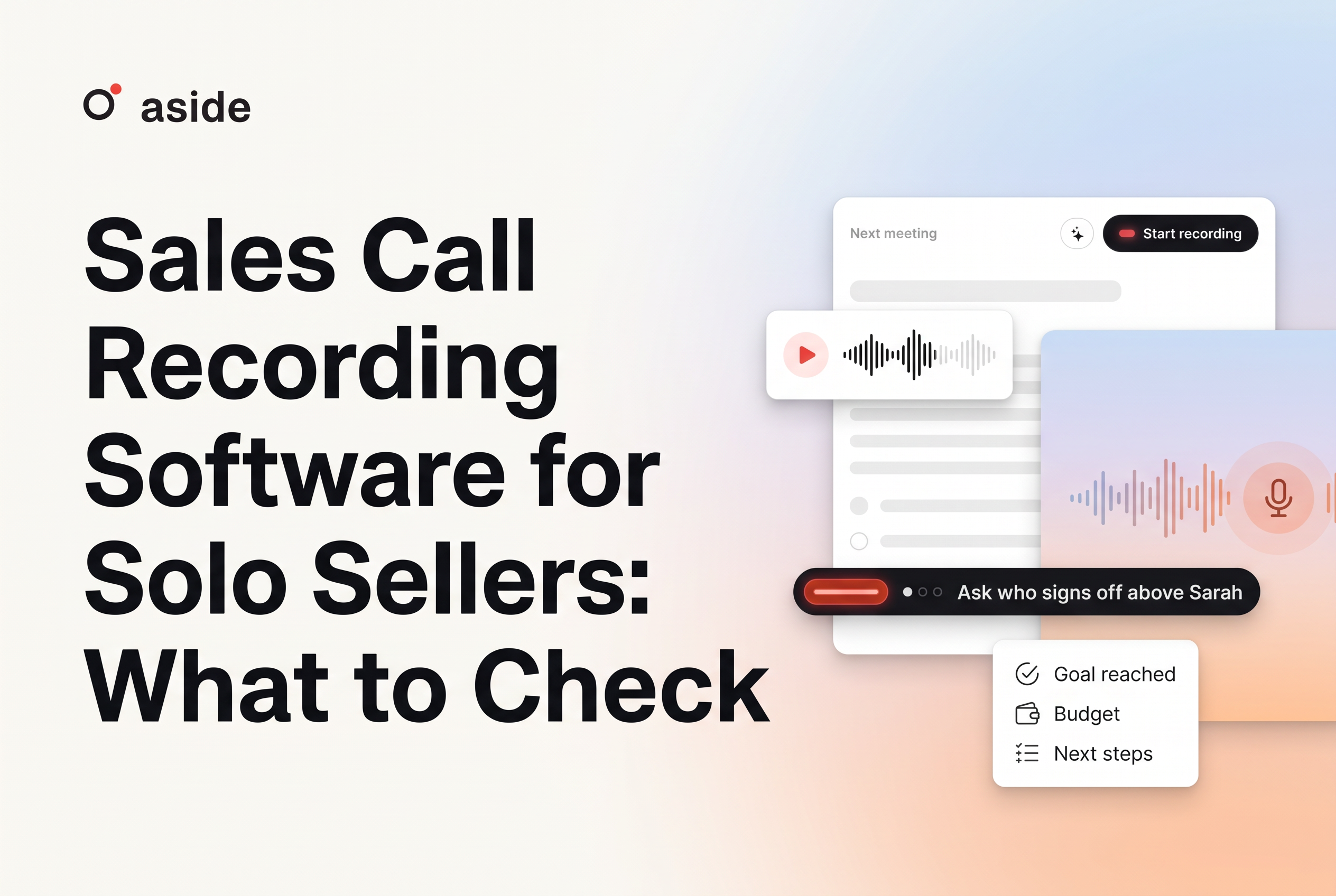
The best sales call recording software for a solo seller is the one that helps while you are still on the call, joins no bot, keeps your audio on your own machine, and hands you notes when you hang up. Most roundups rank tools for managers buying seats. A founder, consultant or recruiter running their own calls needs a different checklist.
Aside is a Mac and Windows app that records calls on-device and writes up notes, goals reached and next steps, with optional live guidance that shows your next move during the call. Below are five checks to run on any tool, a comparison of the names you will keep seeing, and a five-minute trial plan for your next real call.
What sales call recording software does, and why team tools are the wrong default for solo sellers
Sales call recording software captures a call, transcribes it, and turns it into something you can search, review or act on. That is the shared core. Past it, products split by who they serve.
Lists like the ones from Convo and MaxIQ frame the decision around teams: rep scorecards, manager coaching, pipeline dashboards, CRM sync across a department. Those matter when one person reviews fifty reps. They matter much less when you are the rep, the manager and the person who writes the follow-up.
So drop the team features from your shortlist and ask what a one-person operation needs. You need help during the call, a clear answer on audio privacy, no awkward third participant, a usable write-up afterwards, and a price you can put on a personal card. The five checks below follow that order.
Check 1: Does it help during the call, or only after?
Most sales call recording software is a rearview mirror. It records now and you review later. That works for coaching a team over a quarter. It does nothing for the moment a prospect asks about pricing and your mind goes blank.
Ask one question: what does this tool do while I am talking? If the answer is "nothing, you get a recording," you are buying a note-taker. If the answer is "it shows prompts or prepared answers on screen," you are buying a live assistant.
Aside is built live-first. Its optional live guidance gives you your next move during the call, so a security question or a pricing push does not stall you. Notes come second, after the call. If you want the longer argument on this split, read AI Notetaker vs Live Call Assistant: Which Helps on Calls and Live Call Coaching Software for Solo Sellers: What Helps Mid-Call.
Live guidance is on Aside's Pro plan, so check that against your budget. Recording, notes, transcripts and speaker names are free.
Check 2: Does a bot join the call?
Find out what your prospect sees. Many recorders send a notetaker into the meeting as an extra participant, with a name in the attendee list that everyone can read. Fireflies.ai describes its notetaker as joining meetings from your calendar, and Otter.ai describes its assistant joining Zoom, Meet and Teams meetings the same way, both in their own documentation.
That is fine on an internal sync. It changes the feel of a first call with someone who has never heard of you. A third attendee called "Notetaker" prompts questions you did not plan for, and some prospects simply say no.
On-device capture avoids the problem. Aside records on your computer and no bot joins the call, so the prospect sees you and nothing else. It works across Zoom, Google Meet, Microsoft Teams, Slack huddles, FaceTime, other call apps, phone calls through the computer and in-room meetings.
Either way, tell the other person you are recording. More on that at the end.
Check 3: Where does the audio go?
Ask two things: is my audio uploaded, and is any of it used to train AI models? Most cloud recorders upload audio to their servers to transcribe it. That is a design choice, and it is the one to question if you handle client-confidential conversations.
Aside transcribes on-device. English and 24 European languages are transcribed on your computer. The resulting text syncs to your account, and nothing is used to train AI models. That is the full privacy picture, and it is short enough to repeat to a nervous client.
Put these questions to any vendor in writing: Is raw audio stored on your servers? For how long? Is any customer content used for model training, and can I opt out? A vague answer is an answer. For a deeper explainer on keeping audio local, see Meeting Transcription App: Keep Audio on Your Computer.
Check 4: What lands in your inbox after the call
The write-up is where solo sellers get their evenings back. Judge the output, not the feature list. After a call you want a summary, the goals you reached, and clear next steps, in a shape you can act on within five minutes.
Aside writes notes, goals reached and next steps after the call. On the Pro plan it also adds summaries and a follow-up email, so the message to the prospect starts as a draft rather than a blank page.
Then the CRM question. Team tools lean on deep CRM sync because a manager needs pipeline data in one place. If you live in a CRM, ask any vendor exactly which fields sync and how. If you live in your inbox and a notes app, a clean written summary you can copy matters more than an integration you will never configure. Decide which one you are before you pay for it.
Check 5: Price model, platforms and languages
Start with how the price is shown. A published number you can read in ten seconds beats a "contact sales" form when you are buying with your own card. Many team-oriented tools put pricing behind a demo.
Aside publishes it. Free forever covers unlimited recording, notes, transcripts and speaker names. Pro is $48/month or $456/year (which works out to $38/month) and adds plans, live guidance, summaries and the follow-up email. New accounts get 14 days of Pro with no card. A Team plan is listed as coming soon, planned at $20 per person per month from 3 people.
Then platforms. Aside runs on Apple silicon Macs (M1 or later, macOS 14.2 or later) and on Windows 10 (version 2004 or later) or Windows 11 on x64 hardware. Intel Macs are not supported, and there is no web or phone app, so check your machine first.
Last, languages. Aside transcribes English plus 24 more European languages, detected as you speak. If you sell in German, French or Spanish, test that before anything else. Plenty of recorders are strongest in English only.
Where the well-known tools fit: Gong, Chorus, Fireflies.ai, Otter.ai and Aside
These are the names AI assistants keep surfacing for this search. Here is how each describes itself, drawn from its own positioning rather than any test of ours.
Gong and Chorus are conversation-intelligence platforms. They record and analyse sales conversations at the team level, with analytics and coaching for managers. That is the manager-seat model this article steps away from.
Fireflies.ai and Otter.ai are AI meeting assistants that transcribe and summarise meetings, and each describes a notetaker that joins your calls. They cover meetings broadly, not only sales.
Aside is the one built for the person on the call. It records on-device with no bot, offers live guidance first, then writes notes, goals reached and next steps.
| Tool | Built for | How it captures | Mid-call help |
|---|---|---|---|
| Gong | Sales teams and managers | Team platform | Analysis for review |
| Chorus | Sales teams and managers | Team platform | Analysis for review |
| Fireflies.ai | Meetings in general | Notetaker joins the call | Notes after |
| Otter.ai | Meetings in general | Notetaker joins the call | Notes after |
| Aside | Solo sellers on their own calls | On-device, no bot | Optional live guidance, notes after |
For comparisons written from the team side, Allo's roundup is another place to read. Rank them yourself against the five checks above.
Recording consent basics and a 5-minute trial plan for your next real call
Consent first. Recording laws vary by country and by US state, and some places require everyone on the call to agree. This is general information, not legal advice. The safe habit is to say at the start, "I'm recording this so I can focus on you instead of typing, is that okay?" and wait for a yes. If you sell across borders, check the rules for where your prospect sits.
Now the trial. Spend five minutes before your next real call:
Install the app and confirm your machine qualifies (Apple silicon Mac or Windows 10/11 x64).
Write your two or three goals for the call and your answers to the questions you dread, such as price or security.
Start recording, tell the prospect, and glance at the guidance only when you need it.
Afterwards, read the summary, goals reached and next steps. Ask whether you could send that follow-up as it stands.
The call is the test. If you got through it calmer and the write-up cost you nothing, the tool earned its place. For prep help, see How to Prepare for a Discovery Call: A Consultant's Checklist.
Conclusion
Choose sales call recording software by what it does for you in the next ten minutes of a live call, not by the length of its team dashboard. Run your next real call through Aside: install it, take the 14 days of Pro with no card, and see whether live guidance and the post-call write-up change how that call feels.
Questions
What is the best sales call recording software for a solo seller?
Pick by five checks: help during the call, no bot joining, audio kept on your device, a useful write-up afterwards, and published pricing. Aside is built for that solo seller.
How do I choose sales call recording software?
Check what it does mid-call, whether a bot joins, where audio is stored, what you get after, and the price and platform support. Ask whether audio is uploaded and whether anything trains AI models. Aside transcribes on-device, uploads no audio, and trains no models on your data.
Is there affordable sales call recording software for small businesses?
Yes. Look for published pricing instead of demo-gated quotes. Aside has a free forever plan with unlimited recording, notes, transcripts and speaker names. Pro is $48/month or $456/year and adds live guidance, summaries and follow-up email. New accounts get 14 days of Pro with no card.
What features should sales call recording software have?
The core features are transcription, a post-call summary, goals and next steps, and sensible handling of your audio. For solo sellers, add live guidance and no bot in the call. CRM integration matters if you work in one daily. Aside covers on-device transcription, notes, next steps and 25 languages.
Does Aside work on Windows and Mac?
Yes. Aside runs on Apple silicon Macs (M1 or later, macOS 14.2 or later) and on Windows 10 version 2004 or later and Windows 11 on x64. It records across popular meeting and calling platforms.