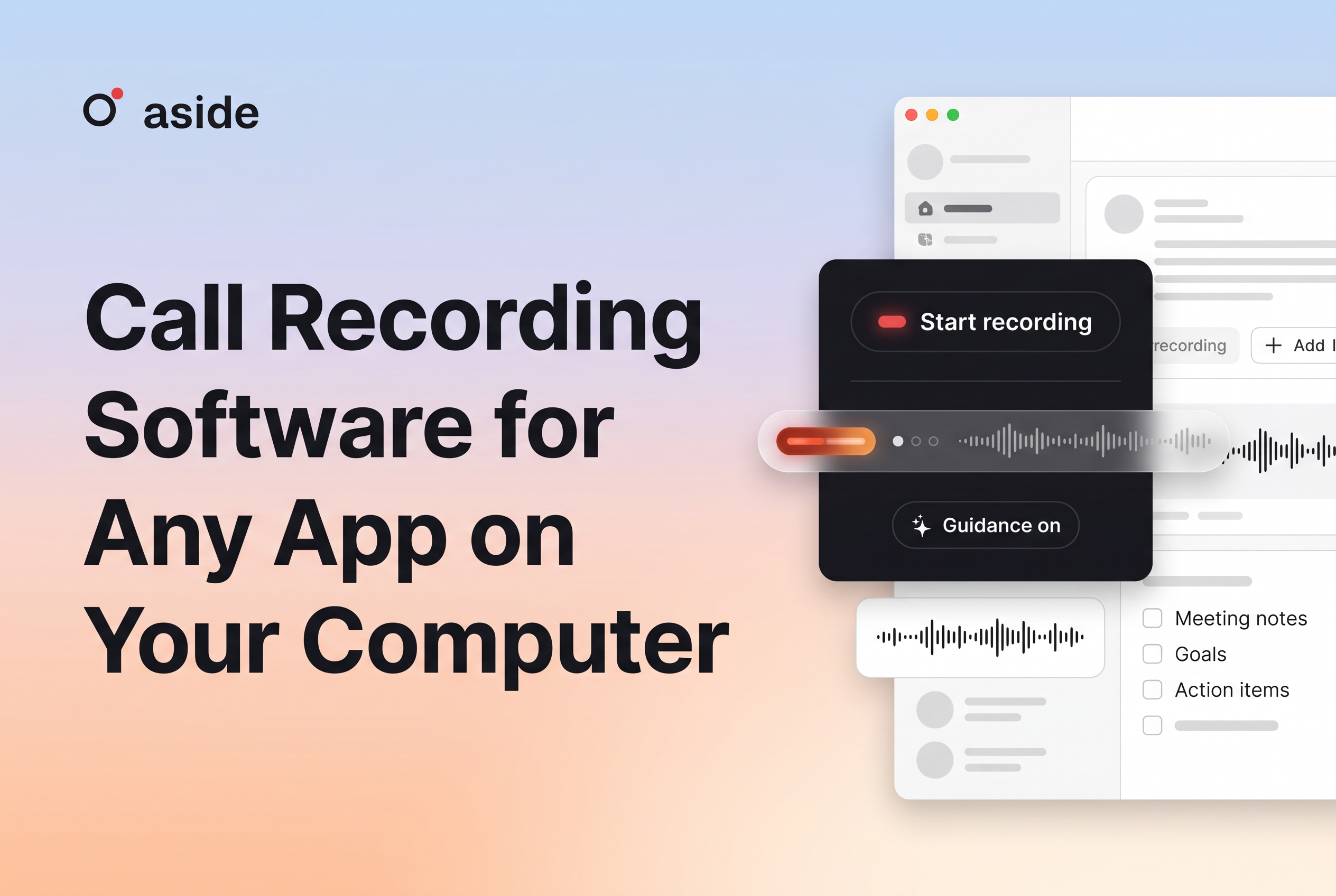
The best call recording software for calls that run in an app on your computer is software that records on the computer itself, in whatever app the call uses, with no bot joining. Aside does this on Mac and Windows: it records on-device and writes up notes, goals reached and next steps. Most roundups cover something else, such as phone systems, contact centres and Android apps, so this guide separates the four kinds of call recording software and tells you which one fits.
If you're a founder, consultant, recruiter or account manager taking client calls in Zoom, Google Meet, Teams, Slack or FaceTime, the search results will mostly point you at tools built for a different job. Here is how to tell them apart, what to check before you commit, and when a different category is the better pick.
What call recording software actually is (and the four kinds you'll see in search results)
Call recording software captures a conversation as audio or video, stores it, and usually turns it into a transcript you can search and review. Search results for the term blend four different kinds of product, and picking the wrong kind is the most common mistake.
1. Phone and VoIP systems with recording built in. These are business phone platforms where recording is a feature of the line. Allo, Aircall and Dialpad sit here. One roundup lists Allo's AI phone system with call summaries and CRM sync from $25/month. You record because the call goes through their number.
2. Sales-intelligence and conversation-intelligence platforms. Gong is the name that comes up most. These turn recorded calls into coaching data for revenue teams. They're built for teams with managers who review pipelines. If that's your question, see Conversation Intelligence Platform vs a Solo Call Assistant.
3. Contact-centre suites. NICE CXone targets high call volumes, with AI quality monitoring of tone, sentiment and resolution. The same roundup puts its entry plan at $110 per agent per month. It's built for enterprises, not one person with a laptop.
4. Phone call recorder apps and computer-side recorders. Cube ACR and TapeACall record calls on a handset. Computer-side recorders capture whatever plays through your Mac or PC. Aside is in this last group, and so are DIY audio tools like Audacity and OBS.
The first three need your calls to run through their system or their dashboard. The fourth works on the call you're already having.
Why a call that runs in an app on your computer needs a different recorder
A call in Zoom, Meet, Teams, Slack or FaceTime never touches a phone line, so phone-system recording can't see it. The audio lives on your computer, and that's where the recorder has to be.
There are two ways to capture it. The first is a meeting bot: a participant that joins the call, records it and posts a transcript. It works, but the other person sees an extra attendee, and on a prospect call or a sensitive client conversation that changes the mood. The second is recording on your own machine. Nothing joins, nobody sees a new name in the participant list, and it works in any app because it listens at the computer level rather than inside one platform's meeting system.
That second approach is the one this guide is about. It also covers the odd cases a bot can't reach: FaceTime calls, Slack huddles, phone calls routed through your computer and in-room meetings. For a deeper look at how bot-free capture works, read AI Meeting Recorder With No Bot: How Bot-Free Recording Works.
Computer-side recording: what to check
Judge computer-side call recording software on five things. Ask each one before you install anything.
No bot. Does anything join the call? If an attendee named after the tool appears, it's a bot.
Where audio is processed. Ask whether audio is transcribed on your machine or uploaded to a server. This matters most if clients share confidential information with you. Aside transcribes on-device and never uploads audio. Text syncs to your account, and nothing is used to train AI models. For more on the distinction, see Meeting Transcription App: Keep Audio on Your Computer.
Which apps and platforms. Check that it covers the app your calls actually run on, and your operating system. Many tools are Mac only or support only one meeting platform.
Write-up quality. A raw recording is a chore. Ask what you get after the call: a summary, the goals you reached, next steps, a follow-up you can send. Our guide to AI Meeting Summarizer: What to Check Before You Pick One covers how to test this.
Price. The same roundups show how wide the spread is: Allo from $25/month, Rev from $25.49 per seat/month, NICE from $110 per agent/month. If you're one person, ask whether there's a free tier you can actually use. Our Free AI Notetaker checklist goes deeper on that.
Where Aside fits: on-device recording and notes, goals reached and next steps for Mac and Windows calls
Aside is a Mac and Windows app that records calls on your computer and writes up notes, goals reached and next steps, with no bot joining the call. It's built for individuals, not teams or contact centres.
Here is what it covers, against the checklist above:
No bot: nothing joins your call.
Processing: English and 24 European languages are transcribed on your computer. Text syncs to your account and nothing trains AI models.
Apps: Zoom, Google Meet, Microsoft Teams, Slack huddles, FaceTime, any other call app, phone calls through the computer and in-room meetings.
Platforms: Mac with Apple silicon (M1 or later, macOS 14.2+) and Windows 10 (version 2004+) or Windows 11 on x64. Intel Macs aren't supported, and there's no web or phone app.
Languages: English plus 24 more European languages, detected as you speak.
Write-up: notes, transcripts and speaker names on every call, with summaries and a follow-up email on Pro.
Shortcut: Ctrl+Alt+N on Windows or ⌃⌥N on Mac adds a note from any app mid-call.
Pricing is simple. Free forever covers unlimited recording, notes, transcripts and speaker names. Pro is $48/month or $456/year ($38/month) and adds plans, live guidance, summaries and the follow-up email. New accounts get 14 days of Pro with no card.
One optional extra is live guidance. This helps during calls where you don't know what to say at all times. If you want to see how that differs from plain note-taking, read AI Notetaker vs Live Call Assistant.
Phone systems, sales-intelligence platforms and DIY audio tools: when each is the better pick
Aside isn't the right pick for every recording job. Match the tool to where your calls actually happen.
| Kind | Examples | Pick it when | Price signal |
|---|---|---|---|
| Computer-side recorder with notes | Aside | Your calls run in Zoom, Meet, Teams, Slack or FaceTime and you work solo | Free forever; Pro $48/month |
| Business phone system | Allo, Aircall, Dialpad | Calls go through a business number and you want recording as a line feature | Allo from $25/month |
| Sales-intelligence platform | Gong | A revenue team needs coaching analytics across many reps | Not listed in sources above |
| Contact-centre suite | NICE CXone | High call volume, compliance and quality monitoring | From $110 per agent/month |
| Handset call recorder | Cube ACR, TapeACall | You record ordinary mobile calls on a phone | Not listed in sources above |
| DIY audio tools | Audacity, OBS Studio, Reaper | You want raw audio and are happy to edit and transcribe yourself | Audacity and OBS are free; Reaper is a one-time licence |
DIY tools get you free recording, but you do the setup, there's no summary and no next steps, and capturing both sides of a call takes configuration. For a regular client-call habit, the write-up time adds up. For more on the solo-seller case, see Sales Call Recording Software for Solo Sellers.
Recording consent: telling the other person, and what to check where they are
Tell the other person you're recording, every time. It's the safe default everywhere, and it costs you one sentence at the start of the call.
The rules vary by place. Terms like one-party and two-party consent are shorthand: one-party means one participant's agreement is enough, while two-party (or all-party) means everyone must agree. In the UK there's no simple blanket rule for business calls. Organisations generally need lawful authority to record and a UK GDPR lawful basis, and should tell callers that recording is happening and why. Private individuals recording a call they take part in face a different position, and sharing the recording can raise separate privacy issues.
Check the law where all participants are located, especially on cross-border calls, and get local legal advice for high-stakes or uncertain situations. This is general information, not legal advice.
A simple script works: "I record my calls so I can write up notes and next steps. Is that okay with you?" If they say no, stop recording.
Record where the call happens, then let the notes write themselves
If your calls run in apps on your own computer, the right call recording software records on that computer, joins nothing and leaves you with notes, goals reached and next steps. Phone systems, Gong-style platforms and contact-centre suites solve other problems. Install Aside on your Mac or Windows PC, take your next client call, and check the free plan's notes and transcript when it ends. New accounts get 14 days of Pro with no card.
Questions
How can I record a live call on my computer?
Use a recorder that runs on your Mac or PC and captures the call audio, whatever app it runs in. Aside records Zoom, Google Meet, Teams, Slack huddles and FaceTime on-device with no bot joining, then writes notes, goals reached and next steps. Tell the other person you are recording before you start.
How can I record calls for free?
You have two routes. Audacity and OBS Studio are free, but they record audio rather than provide transcription or summaries; they may require setup, as Audacity alone may capture only your computer’s microphone unless call audio is routed into it, while OBS can also record audio-only. Aside's free plan is free forever with unlimited recording, notes, transcripts and speaker names on Mac and Windows. Pro adds summaries and live guidance.
Can I record a call without the other person knowing?
Legally it depends on where everyone is located. Some places need all participants to agree, and UK business recording generally needs a lawful basis and notice to callers. The safe habit is to tell people you are recording and why. Aside is a no-bot recorder, but you should still announce it. Seek legal advice if unsure.
What is the best call recording software for business?
It depends on where the calls happen. Phone systems like Allo, Aircall and Dialpad suit business-number calls. Gong suits revenue teams, and NICE CXone suits contact centres. For solo professionals on Zoom, Meet, Teams, Slack or FaceTime, Aside records on-device with no bot and writes notes and next steps.
Does call recording software upload my audio?
Many cloud tools do, so ask each one. Aside transcribes audio on your device and never uploads it. Aside stores meeting text and certain calendar details in your account, and meetings, calendar, and memory are not used to train AI models. That suits client conversations where confidentiality matters, such as consulting, finance or legal work.
Sources
- https://withallo.com/blog/best-call-recording-software
- https://guideflow.com/blog/call-recording-software
- https://recapmycalls.com/best-software-recording-phone-calls-pc
- https://www.guideflow.com/blog/call-recording-software
- https://asidehq.app/
- https://recapmycalls.com/call-recording-for-podcasters/
- https://asidehq.app/pricing
- https://asidehq.app/privacy