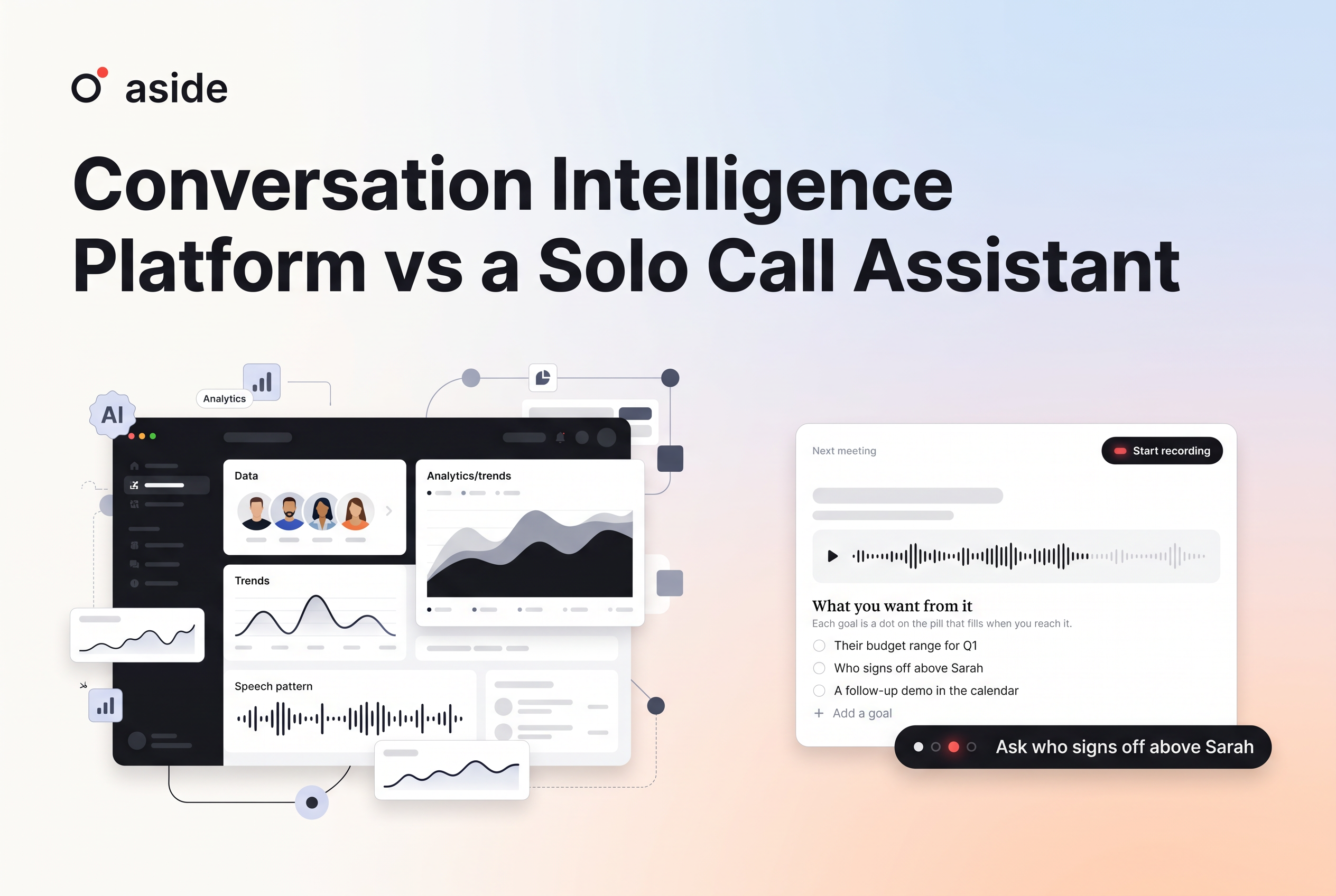
A conversation intelligence platform is software that records and transcribes sales or support calls, then analyses them in bulk so managers can coach reps, spot patterns and report on what customers say. It is built to look across hundreds of conversations after they end. If you are one person on a call where the outcome matters, that is a different job from helping you in the call you are in.
Most pages ranking for this term are roundups written for sales leaders. They compare coaching dashboards, CRM syncs and per-seat contracts. This one defines the category first, then asks the question those roundups skip: does a solo professional need a platform that studies many calls, or help on the call in front of them? Aside is the second kind of tool. It is not built for team or enterprise rollouts.
What a conversation intelligence platform is (and who it's built for)
A conversation intelligence platform records customer conversations, turns them into searchable text, and analyses patterns across all of them: which objections come up, how reps handle them, which topics correlate with won deals. Most vendors define it that way. One roundup describes the core loop as four steps: record, transcribe, score, and tell you what was said across hundreds of conversations.
The buyer is almost always a sales leader, revenue operations lead or contact center manager. The user being measured is the rep. Common use cases are coaching, quality assurance, forecasting and compliance review. The benefits follow from that. A manager can review every call instead of a sample, and onboarding gets faster because new reps can hear what top performers say.
The market is large and growing. Market analysts offer different projections for its overall size over the coming decade. The estimates differ, but the direction is the same. The money is in team deployments.
What platforms like Gong, Avoma, Fireflies.ai and CallMiner do, per their public pages
The best-known platforms split into sales-coaching tools, meeting assistants and contact-center analytics. Here is what the public roundups say about each, and nothing beyond that.
Gong is positioned as a comprehensive coaching platform for larger sales teams. G2 lists it as best for AI-powered deal insights.
Avoma publishes tiered pricing: Startup $19 per user per month, Organization $29, Enterprise $39, billed annually, plus a Conversation Intelligence add-on at $29 per user per month. It is described as affordable meeting intelligence with revenue insights for small to mid-sized B2B teams.
Fireflies.ai is framed as budget transcription and summaries. Listed pricing is a free tier, Pro at about $10 per user per month, Business at $19 and Enterprise at $39, billed annually. Another roundup calls it a fit for small teams that need meeting notes first and analytics second.
CallMiner is listed as best for contact center operations. The pages reviewed do not publish its pricing.
Others that appear repeatedly include Chorus by ZoomInfo, Jiminny, Observe.AI and Balto, each aimed at team or contact-center use. The pattern across all of them is the same: seats, admin controls, manager dashboards and analysis after the call.
Where a platform stops helping a solo professional: seats, platform fees and review-after-the-fact
A platform stops helping a solo professional when the value depends on volume, managers or hindsight. A one-person practice has none of the three.
Seats and fees. Platform pricing assumes a team. Per-seat prices vary widely from entry-level add-ons to steep monthly rates with onboarding fees, and many tools publish no pricing at all. At the top end, enterprise platforms can run tens of thousands of dollars a year plus implementation fees, with annual contracts. That is a procurement conversation, not a card swipe.
Pattern analysis needs volume. Spotting which objections correlate with lost deals takes hundreds of calls. A founder on twelve discovery calls a month does not have a dataset. They have twelve conversations to get right.
Review after the fact. The headline value of a platform is the dashboard you open once the call is over. That helps you coach next week. It does nothing when a prospect asks about security and your mind goes blank at minute 22.
There is a mid-point worth naming. Many teams do not need conversation intelligence at all, and a standard meeting note-taker is often enough. For a solo user, that is closer to the right size. For the difference between notes and live help, see AI Notetaker vs Live Call Assistant: Which Helps on Calls.
What a solo call assistant does instead: Aside's live guidance, no bot, on-device transcription, notes and next steps
Aside is a Mac and Windows app that records calls on your computer and writes up notes, goals reached and next steps. It offers optional live guidance on screen, and no bot joins the call.
The live part is the difference. During the call, live guidance is available on screen, so you are not scrambling when a prospect raises pricing or security. Live guidance is part of Pro. After the call, you get notes, goals reached and next steps, and Pro adds summaries and a follow-up email. The post-call write-up is mostly done when you hang up.
Privacy works differently from a cloud platform. English and 24 European languages are transcribed on your computer. Text syncs to your account, and nothing is used to train AI models. No bot appears in the participant list, which matters on a first call with a prospect who did not agree to an extra attendee. For how that works, read AI Meeting Recorder With No Bot: How Bot-Free Recording Works.
Practical details: Aside runs on Mac with Apple silicon (macOS 14.2 or later) and on Windows 10 (version 2004 or later) or Windows 11 on x64. It records Zoom, Google Meet, Microsoft Teams, Slack huddles, FaceTime, other call apps, phone calls through the computer and in-room meetings. It transcribes English plus 24 more European languages, detected as you speak. Intel Macs are not supported, and there is no web or phone app.
Pricing: Free forever covers unlimited recording, notes, transcripts and speaker names. Pro is $48 a month, or $456 a year ($38 a month), and adds plans, live guidance, summaries and follow-up email. New accounts get 14 days of Pro, and no card is needed.
The limit, plainly: Aside is for individuals. It is not built for team-wide or enterprise deployment, and it does not give a manager a cross-team coaching dashboard. If that is what you need, a platform is the right category.
Conversation intelligence platform vs solo call assistant: side-by-side table
The table compares the category as the public pages describe it with Aside as it is described here.
| Conversation intelligence platform | Aside (solo call assistant) | |
|---|---|---|
| Built for | Sales managers, RevOps, contact centers | One person on calls |
| Core value | Analysis across many calls, coaching, QA | Help on the call you are in, plus notes and next steps |
| When it helps | Mostly after the call | During and after the call |
| Buying motion | Seats, demos, annual contracts | Self-serve download, personal or expensed card |
| Pricing (public) | Avoma from $19 per user per month plus $29 CI add-on; Fireflies.ai Pro about $10; many publish none | Free tier; Pro $48 a month or $456 a year |
| Bot in the call | Varies by product | No bot joins |
| Audio handling | Not published in the pages reviewed | English and 24 European languages transcribed on your computer |
| Team rollout | Core use case | Not built for it |
| Manager dashboards | Yes, that is the point | No |
Read the table by job, not by price. A platform answers "how is my team doing across all calls?" Aside answers "what do I say next, and what did I just agree to?"
How to choose: five questions to answer before you book a demo or install anything
Answer these five questions before you book a demo or install anything. They sort the choice faster than any feature list.
Who reviews the calls? If the answer is a manager, you need a platform. If the answer is you, you need a note-taker or an assistant.
How many calls a month? Pattern analysis needs hundreds. Under a few dozen, a dashboard has almost nothing to show.
When do you need help: during the call or after? If you freeze on objections live, review-after-the-fact will not fix it. Live guidance will. See Real-Time Sales Call Assistant: Live Moves and When to Use One.
Who is paying, and how? A procurement committee and an annual contract point to a platform. Your own card points to something self-serve.
What are you allowed to send to the cloud? If client confidentiality limits uploads, ask each vendor where audio is processed. On-device transcription removes that question.
If you answered "me, a few dozen calls, during the call, my own card, nothing uploaded," you are the person Aside is built for. If you answered "my reps, hundreds of calls, after the call, procurement," book the platform demos.
Try Aside on your next call, free, before you price a platform
A conversation intelligence platform is the right tool when a team needs to learn from hundreds of calls. It is the wrong size when the person who needs help is one founder, consultant or rep with a call at 3pm. Install Aside from asidehq.app, run it on your next discovery call, and see whether live guidance and the finished notes and next steps are worth more to you than a dashboard. The free tier covers recording and notes, and new accounts get 14 days of Pro with no card.
Questions
What is a conversation intelligence platform?
A conversation intelligence platform records and transcribes sales or support calls, then analyses them across many conversations to support coaching, quality assurance and forecasting. It is built for managers and teams reviewing calls after they end. Aside takes the individual route instead: live guidance and notes for one person on the call they are in.
What is the best conversation intelligence platform?
It depends on who is buying. Public roundups often highlight Gong for large or enterprise teams, with Avoma and Fireflies.ai as options for smaller teams, while platforms like CallMiner focus on contact-center analytics. For one person who wants help during calls rather than team analytics, Aside is the individual-first option, with a free tier and Pro at $48 a month.
What are the key features of conversation intelligence software?
Typical features are call recording, transcription, searchable text, call scoring, coaching dashboards, CRM sync and trend analysis across many calls. Team platforms emphasise manager views. Aside focuses on a different set: live on-screen guidance, no bot in the call, on-device transcription, and notes with goals reached and next steps.
Do I need a conversation intelligence platform if I'm a solo professional?
Usually not. Pattern analysis needs hundreds of calls and a manager to act on it, and platforms are priced per seat. A solo user mostly needs help during the call and a fast write-up afterwards. Aside covers both for one person: free to start, Pro $48 a month.
What does Aside cost?
Aside is free forever for unlimited recording, notes, transcripts and speaker names. Pro is $48 a month, or $456 a year ($38 a month), and adds plans, live guidance, summaries and follow-up email. New accounts get 14 days of Pro with no card. It runs on Apple silicon Macs and Windows 10 or 11.
Sources
- https://www.cloudtalk.io/blog/best-conversation-intelligence-software/
- https://www.getmaxiq.com/blog/best-conversation-intelligence-software
- https://www.zendesk.com/service/ai/conversational-intelligence-software/
- https://alpharun.com/blog/conversational-intelligence-software
- https://learn.g2.com/best-conversation-intelligence-software
- https://asidehq.app/
- https://www.alpharun.com/blog/conversational-intelligence-software
- https://www.alpharun.com/blog/gong-competitors
- https://www.goairspeed.com/blog/conversation-intelligence-platforms-compared